


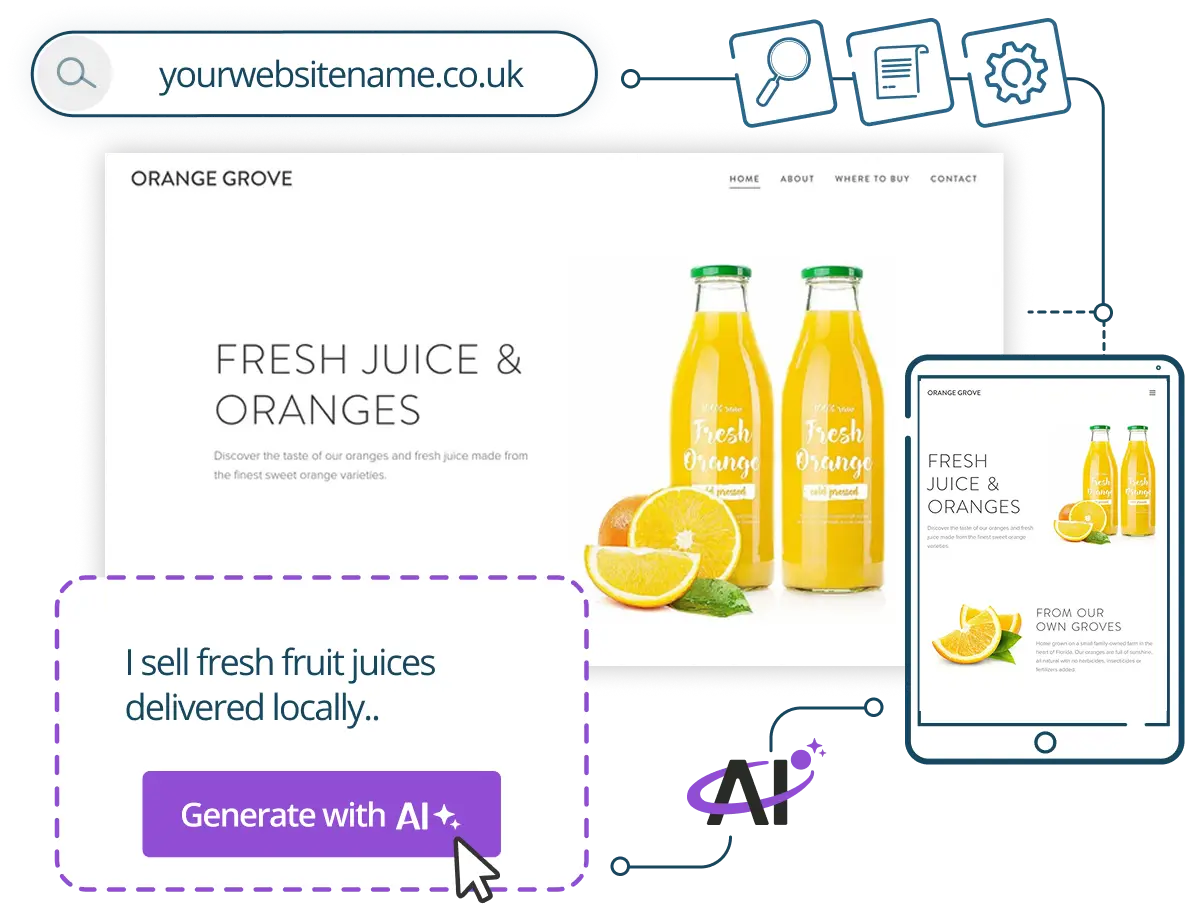
I put this off for three years. Three years of telling myself I’d get a proper website up “once things calmed down” – as if a solo founder’s schedule ever does that. My placeholder landing page had the same holding text since 2023. At some point it stopped being embarrassing and just became part of the furniture. Then a friend mentioned she’d had a real, working site live in under an hour using an AI builder, and I said what every skeptic says: “Yeah, but what does it actually look like?”
I was expecting something that looked like a clip-art project from 2009. I was wrong. And it’s worth unpacking exactly why I was wrong, because the gap between what AI website builders used to produce and what they produce now is genuinely significant – especially if you’re a non-technical founder who has been avoiding this.
The “I’ll Just Do It Myself” Myth
Most small business owners who don’t have a website yet aren’t lazy. They’re just stuck. The moment you sit down to build something yourself, you hit a wall of decisions – hosting provider, domain registrar, website builder, page structure, color palette, fonts, copy. Each decision branches into ten more. You close the laptop. You go back to whatever was actually on fire that day.
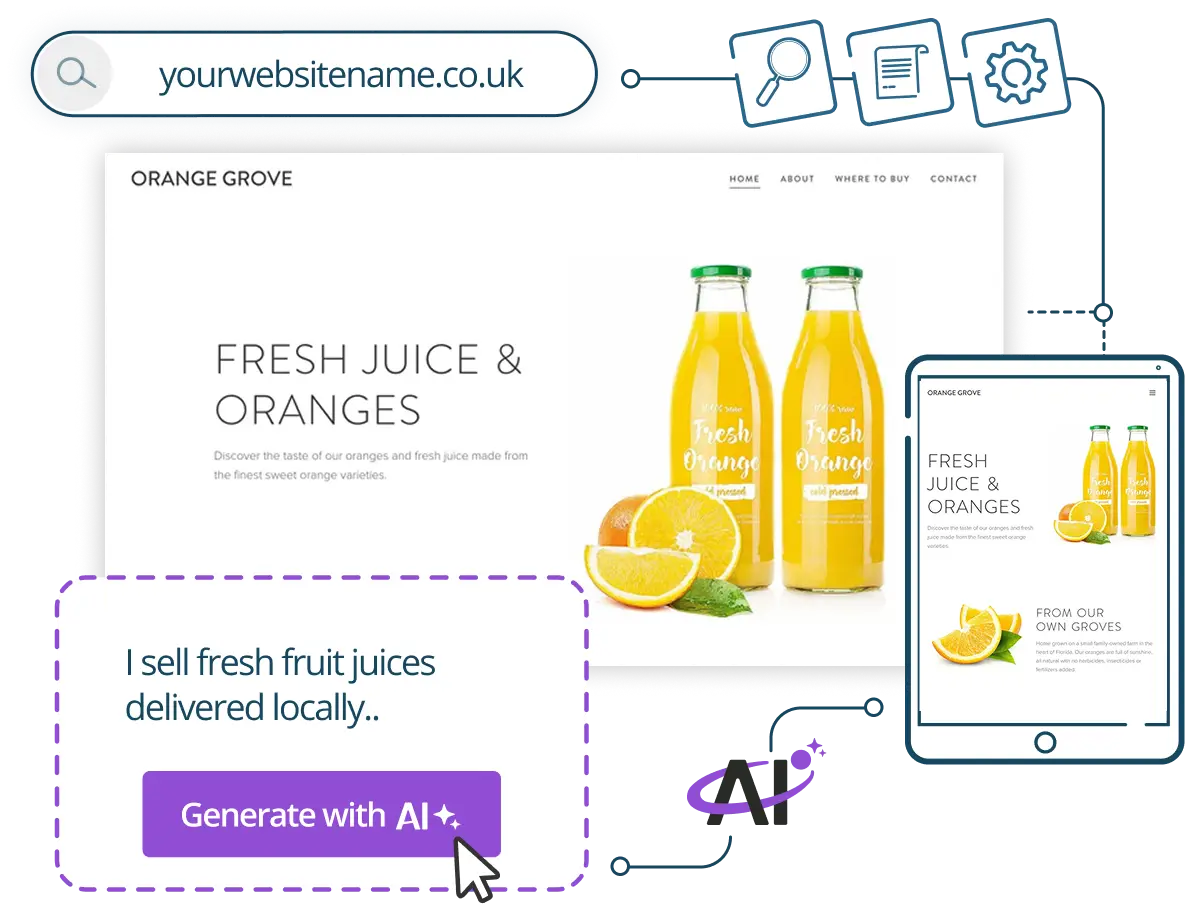
What AI builders are now doing – and this is the part that’s actually changed – is collapsing all of those decisions into a single input. You describe your business in plain language, and the system generates a full site structure, pre-written copy, relevant imagery placeholders, and a layout that doesn’t look like a template from a decade ago. The question is whether the output is actually usable, or whether it’s one of those demos that impresses for forty seconds and then falls apart the moment you try to customize it.
What Actually Happened When I Tried It
I tested the AI website builder from Register365, which is an Ireland-based provider that has been in the domain and hosting space for over twenty years – part of the team.blue group, which manages more than 1.9 million domains across Europe. That track record matters when you’re handing over your domain registration and hosting to someone, because you want to know they’ll still be there in five years.

The process started with a text box. I typed a rough description of my consultancy – the kind of vague, comma-heavy paragraph you’d fire off in a Slack message – and hit generate. The builder produced a full homepage, an about section, a services page, and a contact form. Not a skeleton. Actual content. Copy that was grammatically correct, broadly on-topic, and structured in a way that made logical sense for a services business. It took about four minutes to get to that first draft.
Here’s where my skepticism finally started to shift. I expected to spend the next two hours wrestling with the editor to make it look less generic. I didn’t. The customization layer – colors, fonts, section layouts – was drag-and-drop in a way that actually worked, not “works unless you try to do anything slightly non-standard.” I changed the palette, swapped a section order, rewrote two headlines, and added a simple booking link. Total time from blank screen to something I’d be comfortable showing a potential client: fifty-three minutes. I timed it.
What the AI Text Assistant Actually Does
One thing I didn’t expect was how useful the built-in AI text assistant turned out to be after the initial generation. This isn’t a one-shot deal where the AI writes your copy once and disappears. The assistant stays inside the editor, available to rewrite paragraphs, adjust tone, expand a bullet point into a full section, or trim copy that’s running long. That ongoing access is genuinely different from what earlier versions of these tools offered.
I reworked my services section three times – once to make it less formal, once to tighten it after I’d gone too casual, and once to add a credential I’d forgotten. Each pass took under a minute. I should be honest here, though: AI copy is a strong first draft, not a finished product. You still need to read it carefully and catch anything factually imprecise. The machine doesn’t know your business the way you do.
Fifty-three minutes from blank screen to something I’d be comfortable showing a potential client. I actually timed it.
The Infrastructure Side – And Why It Matters More Than You Think
Most founder conversations about website builders stay entirely at the surface level – design, copy, templates. What rarely gets discussed is everything underneath. Does the hosting come with SSL? What’s the uptime guarantee? Who do you call when something breaks on a Thursday night before a pitch on Friday morning?
Register365 includes free SSL on hosting plans and carries a 99.9% uptime guarantee – standard things to look for, but not universal across budget providers. More useful to me was the support model. An Ireland-based team is available seven days a week via phone, tickets, and online guides – real human support, not a chatbot maze. I tested it on a Saturday afternoon with a hosting question and got through to an actual person in four minutes. That might sound like a low bar, but if you’ve tried getting help from a faceless hosting giant on a weekend, you’ll know it isn’t.
The Built-In SEO Layer
One area where AI builders have historically underdelivered is search. It’s not enough to have a good-looking site if nobody can find it – and many all-in-one builders produce code that’s technically bloated or missing the basic meta structure that search engines expect.
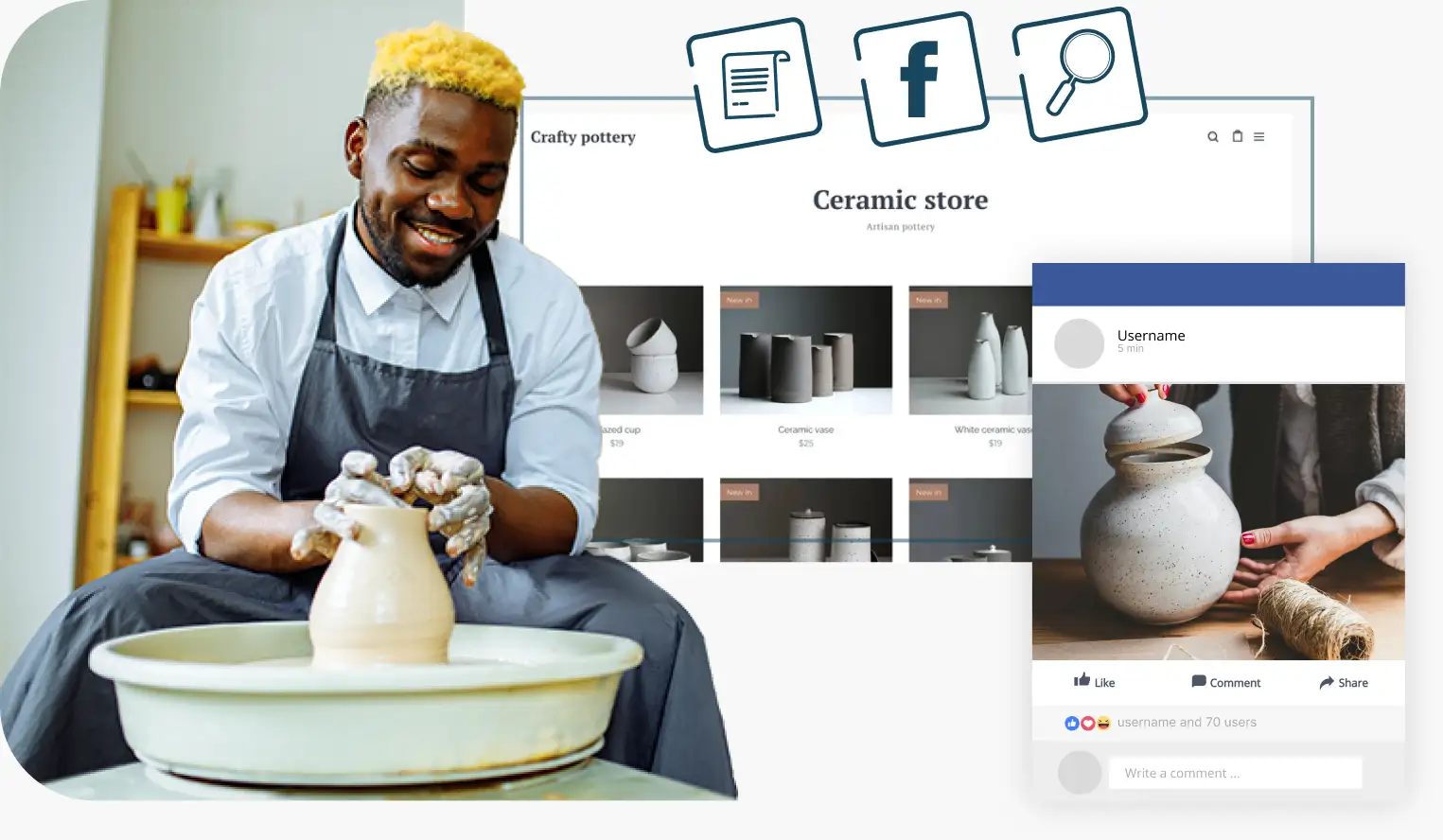
The Register365 builder includes SEO tools built directly into the editor. You can set page titles, meta descriptions, and page-level keywords without touching code or installing a separate plugin. For a non-technical founder, that matters. You’re not going to rank overnight – nothing will do that for you – but you can at least make sure the foundations are correct from day one, which avoids expensive technical SEO remediation later. The marketing tools layer on top of this with social sharing settings and basic analytics integration, giving you a reasonable baseline without requiring external platforms just to get started.
The One Real Limitation I Hit
There is one thing AI builders can’t do yet, and it’s important to be clear about it. If your business has genuinely complex custom functionality – a multi-step booking system with conditional logic, a client portal with role-based permissions, a product configurator – you will hit a ceiling. Fast. The AI-generated site is excellent for brochure-style web presence, simple service businesses, portfolios, and single-product or lead generation pages. It is not a replacement for bespoke development if your workflow genuinely demands it.
That’s not a knock on this particular builder. It’s the honest current state of AI website generation across the board. The technology has caught up to the needs of a very large slice of the founder population – probably most founders reading this. It just hasn’t caught up to every use case yet.
The Honest Verdict
Three years of procrastination, ended in under an hour. The AI website builder technology has genuinely matured – not in a marketing sense, but in a practical, works-as-described sense. The output is clean, the customization is real, and the infrastructure underneath is solid enough that you’re not gambling with your business’s online presence. If you’ve been waiting for AI builders to be “actually good enough,” they are. For most founder use cases, they crossed that line quietly while you were looking elsewhere.
The one thing you do need to bring is fifteen minutes of focused reading after generation. The AI drafts well – but your business details, your specific credentials, the nuance of what you actually do, those still require a human eye. That’s a fair trade for going from zero to live in the same afternoon.
