


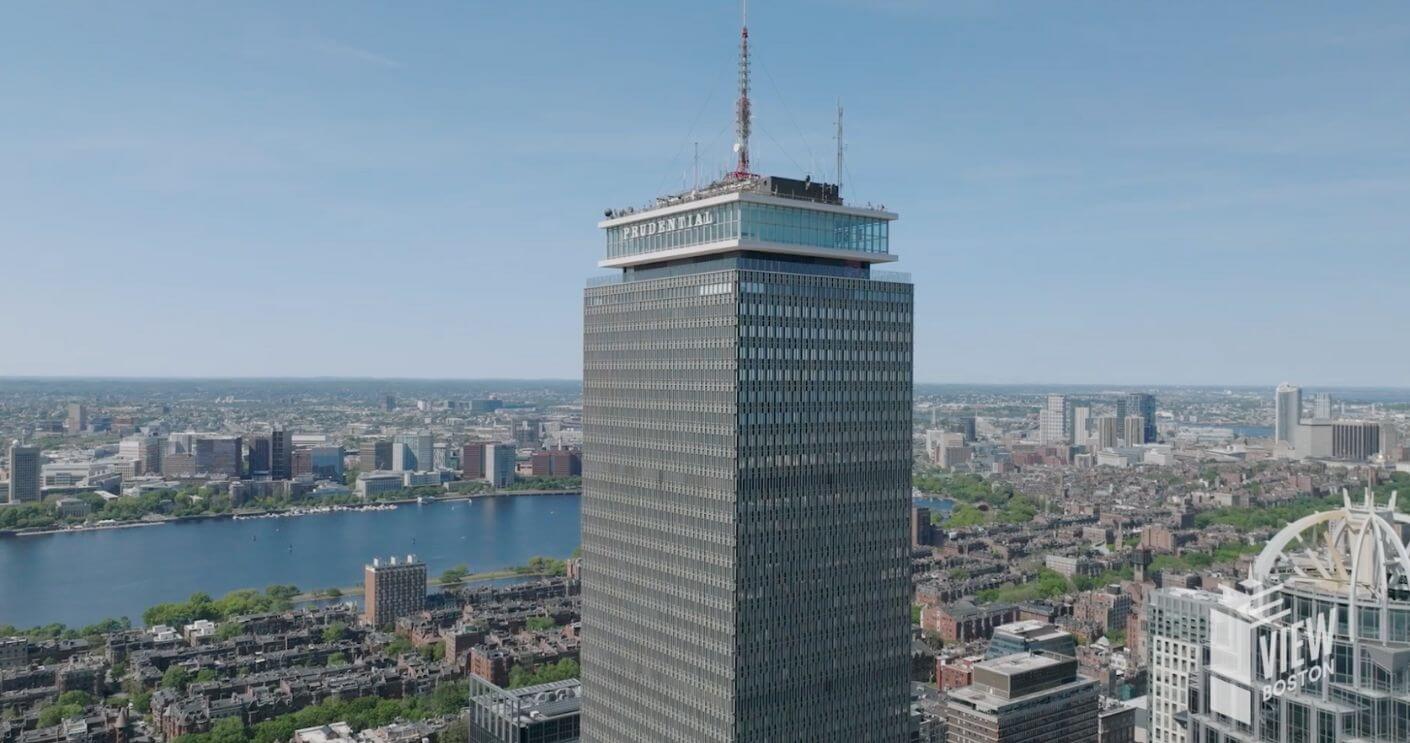
Most observation decks follow the same script. You ride an elevator, walk to a window, stare at the city for a few minutes, and leave. It’s fine. It’s a view. But something about View Boston didn’t quite fit that description when I started looking into it more carefully – and the part that didn’t fit turned out to be the most interesting part of the whole experience.
The 50th floor is where things get genuinely surprising. Before you even reach the open-air Cloud Terrace or the sweeping floor-to-ceiling panorama on the 52nd, you pass through something closer to an experiential technology installation than a traditional attraction exhibit. And that distinction matters more than it might sound.
What Actually Happens on the 50th Floor
The 50th floor of View Boston is built around three distinct interactive elements – the Open Doors 270-degree immersive theater, the Boston 365 3D city model, and the Explore Boston itinerary builder. On paper that sounds like a standard attractions-industry “digital layer.” In practice, the execution goes a few steps further than most comparable venues bother to attempt.
The Open Doors theater is the centerpiece. A 270-degree projection environment wraps around visitors with footage that goes behind the scenes at Fenway Park – not the game-day broadcast footage you’ve seen a hundred times, but the kind of intimate access that typically belongs to credential-holders and team staff. The spatial audio setup reinforces the sense of actually being inside the stadium rather than watching a documentary about it. It’s disorienting in a genuinely good way. Your brain knows you’re 50 floors above Boylston Street, but your senses keep arguing the point.
Was the Fenway footage as deep as I’d hoped? Honestly, probably not quite. Behind-the-scenes access has become a crowded marketing phrase, and a 270-degree theater can’t replace actually walking the warning track. But the format itself – the wraparound projection, the spatial audio, the physical immersion – is legitimately impressive as an exhibition technology choice. It’s a different category from a flat-screen video loop.
The Boston 365 Model and What It Actually Shows You
The Boston 365 3D city model is the second major element, and it might be the most underrated piece of the whole floor. Physical scale models of cities have been around forever – they’re practically obligatory in architecture schools and urban planning departments. But the Boston 365 version is interactive and seasonally dynamic, which changes the proposition considerably.
Visitors can interact with the model to understand how Boston’s geography, neighborhoods, and major landmarks relate to each other spatially. When you’re standing at a window looking at a city skyline, your brain naturally flattens what you’re seeing into a two-dimensional image. The model restores the third dimension. You start to understand why certain parts of the Back Bay feel distinct from the waterfront, or how Fenway relates to the Charles River in ways that don’t quite register from street level or from a standard map view.
The seasonal component – the “365” in the name – means the model updates to reflect how the city changes across the year. That’s a specific, deliberate design choice that signals something about the level of curatorial thought that went into the floor. Someone decided it mattered that a January visit and a July visit feel different even at the model scale. That’s not a default setting. That’s a decision.

The Itinerary Builder: 350 Activities and a Genuine Use Case
The Explore Boston itinerary builder is the third piece of the 50th-floor tech suite, and it’s the one most likely to get dismissed as a tourist-trap gimmick – which would be a mistake. The tool lets visitors build a personal Boston itinerary from a catalog of more than 350 activities, filtering by interest, neighborhood, time available, and season. The output is a personalized digital plan you can actually use.
Why does this matter in the context of an observation deck? Because it closes a loop that most attraction experiences leave open. You look at the city. You feel inspired to explore it. Then you go back to your hotel and spend 40 minutes fighting with three different apps trying to figure out what to do tomorrow. The itinerary builder positions the view itself as the starting point for active planning rather than a passive endpoint. That’s a real shift in how the experience is designed to function.
The 50th floor turns the observation deck from a passive endpoint into an active starting point – and the technology choices behind it are more considered than most visitors expect.
350-plus activities is also a number worth pausing on. That’s not a curated shortlist of ten “must-sees.” It’s a deep catalog that can accommodate repeat visitors, local residents exploring neighborhoods they’ve never fully investigated, and families with wildly different interests trying to find common ground. The tool also integrates with the broader cityscape you’ve just been looking at from 52 floors up – so when you find a neighborhood on the itinerary builder, you’ve already oriented yourself to where it sits in the city’s geography, thanks to what you did with the 3D model 20 minutes earlier.
The Virtual Viewfinders and the Broader Tech Architecture
Alongside the three headline elements, the Virtual Viewfinders add another layer to the 50th-floor experience. Traditional observation deck viewfinders – the coin-operated telescope style – have been around since the 1930s. Virtual Viewfinders replace that static, fixed-zoom format with an augmented experience that can overlay historical context, architectural information, and real-time identification of landmarks onto the view itself.
This is where the tech suite starts to function as a unified system rather than a collection of separate exhibits. The 3D model gives you spatial understanding. The Virtual Viewfinders give you contextual information while you’re actually looking at the thing. The itinerary builder gives you an action plan based on what caught your attention. The 270-degree theater gives you depth on one specific landmark – Fenway Park – that no standard viewfinder could deliver. Each piece serves a different informational purpose, and they genuinely reinforce each other rather than just existing in parallel.
- 50th floor: Interactive tech suite – Open Doors 270-degree theater, Boston 365 3D city model, Virtual Viewfinders, Explore Boston itinerary builder
- 51st floor: Cloud Terrace – open-air 360-degree viewing with rooftop bar (Stratus, daily from 3 PM)
- 52nd floor: Indoor panoramic viewing with floor-to-ceiling windows and 33-mile sightlines
All three floors are included in a single admission ticket. The Sips & Sights tier bundles a cocktail with entry for visitors who want to combine the views with the Stratus rooftop bar experience.
It’s also worth thinking about what this kind of tech investment signals about how View Boston is positioning itself as an attraction. Building a 270-degree projection theater and a dynamic interactive city model is not a cheap or simple operation. These are not digital picture frames. The spatial audio rig for the Fenway footage, the seasonal update cycle for the Boston 365 model, the database architecture required for 350-plus itinerary activities – these represent sustained operational commitments, not one-time installation costs. Someone made a long-term bet that experiential technology would hold up better than a row of static informational panels.
Who This Actually Works Best For
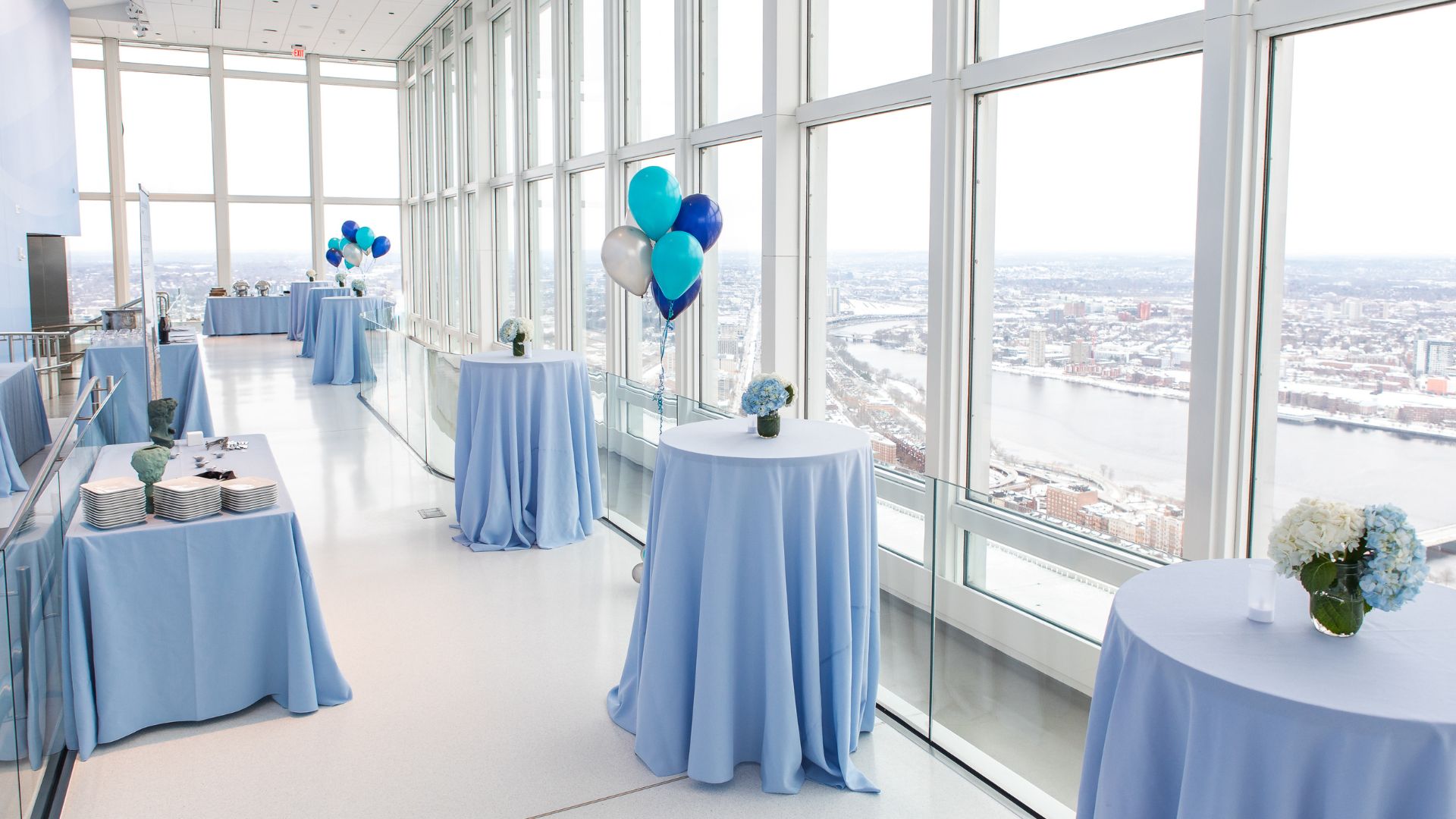
The tech suite is genuinely engaging for a broad audience, but certain visitor types will get the most out of it. First-time Boston visitors benefit most from the Boston 365 model and the itinerary builder – the spatial orientation and the planning output are both immediately useful. Architecture and urban planning enthusiasts will likely spend more time with the model than the average visitor. Sports fans – specifically Red Sox fans – are the obvious target for the Fenway footage, and the 270-degree format does justice to that subject matter in a way a standard exhibit panel could not.
Repeat visitors who’ve already done the standard Boston attraction circuit might find the 50th floor the most genuinely fresh part of the experience on a second trip. The view from the 52nd floor is spectacular, but it’s a stable commodity – the sky looks roughly the same as it did last visit. The tech suite, with its seasonal model updates and itinerary depth, offers more reason to re-engage.
One honest caveat worth raising: experiential tech installations at attractions have a mixed track record for longevity. The novelty of a 270-degree theater is real – but it’s novelty-dependent in a way a permanent view isn’t. If the Fenway footage or the itinerary content doesn’t update regularly, the 50th floor could feel dated faster than the floors above it. That’s not a knock on the current execution – it’s a structural consideration that applies to any attraction that leads with technology rather than physical spectacle. The view lasts forever. The tech suite’s relevance requires ongoing curatorial investment.
A Different Kind of Observation Deck Story
What makes the 50th floor at View Boston genuinely interesting as an experiential technology story is not any single element. It’s the coherence of the whole. Each piece – the theater, the model, the viewfinders, the itinerary builder – addresses a specific limitation of the traditional observation deck format. Passive views become active context. Distant landmarks become navigable city geography. Inspiration becomes a concrete plan.
That’s a real design ambition. Not all of it will land equally well for every visitor, and the tech-forward approach carries the maintenance risks that all tech-forward approaches carry. But as an argument for what a modern urban observation experience can do beyond showing you a skyline, it’s a compelling one – and a story worth telling separately from the cocktails on the Cloud Terrace and the 33-mile views above.
The view is undeniably the headline. The 50th floor is what makes it worth talking about as something more than just a view.
